books.lumbung.space
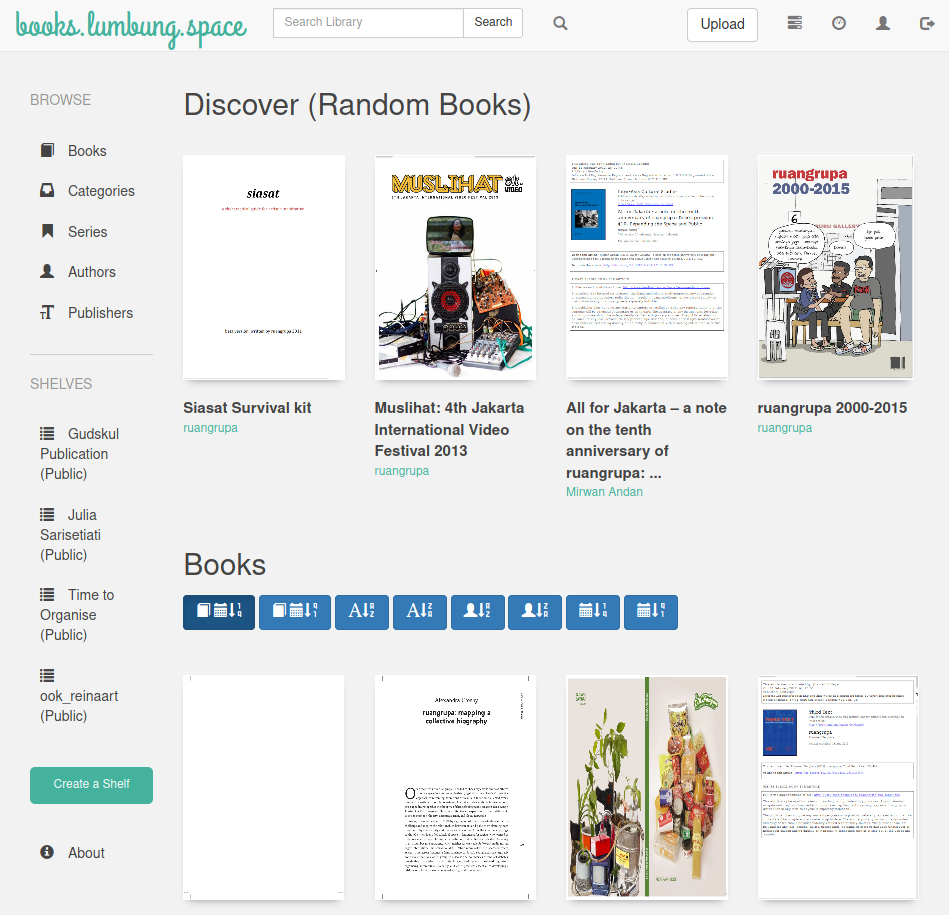
What is this?
book.lumbung.space is our own digital library! In there you can upload upload your publications (as .pdf, .epub or even word) and share them with the rest of the Lumbung-interlokal or with a general public. Books.lumbung.space further allows to organize publications. This can be done by assigning meta-data such as authors, descriptions and tags but also to add them to collections called “shelves”. Furthermore, books.lumbung.space also has an inbuilt PDF and epub reader so you can read the publications directly from the app.
How do I log in?
Visit books.lumbung.space, navigate to the top right where it shows “👤 Guest” and click that. Then on the login form click “Log in with login.lumbung.space“.
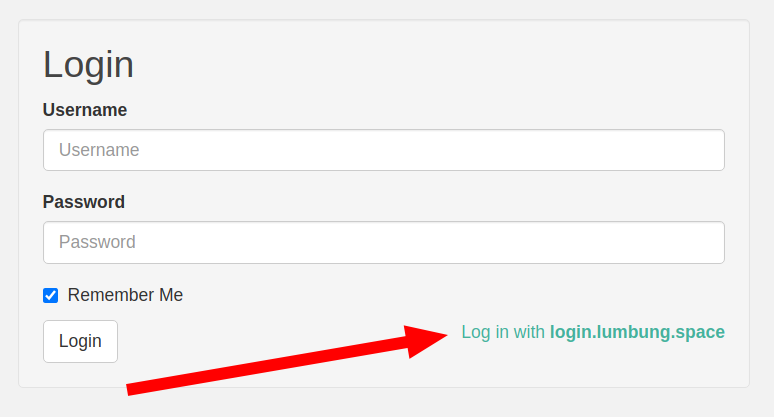
Click "Log in with login.lumbung.space"
How to upload books?
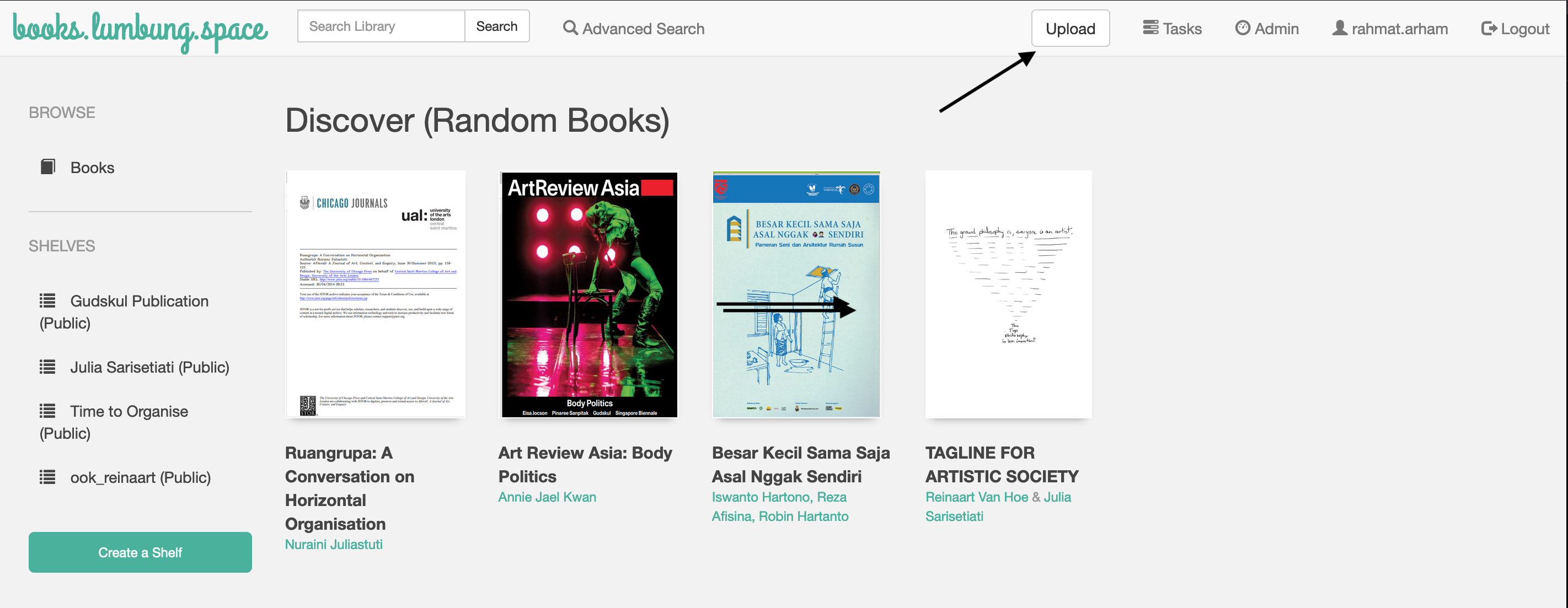
the 'Upload' is in the upper right here
How to make books public?
By default, any uploaded books are visible only to others with a lumbung.space account.
If you wish for a publication to be visible to a general public, you can make it public by tagging a publication with any of the following tags:
open access, public, publish, creative commons, lumbung.space, front page, public domain, CC BY, CC BY-SA, CC BY-ND, CC BY-NC, CC BY-NC-SA, CC BY-NC-ND
When you do choose to make publication public make sure that you are allowed to so:
Because you own the copy right and may choose to publish it
Because the work falls under a Creative Commons or similar license
Because the work is in the public domain