pen.lumbung.space
What is this?
This tool is a blog site for lumbung.space users to share their writing collection to the wider public. It could be starting as a new text, editing the existing files, and/or collaboratively writing with other lumbung.space users. Other than text, the writings could also contain images. All the writing collections in there can also be read or downloaded by all lumbung.space users and the public freely. The software is Wordpress
How do I log in?
Simply visit pen.lumbung.space.
How to create a post?
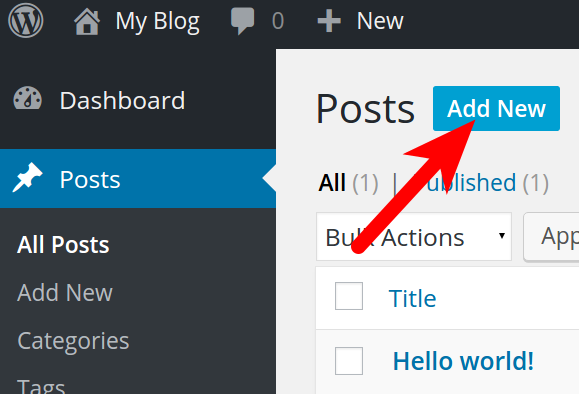
Click the Posts link in the navigation menu.
Click the Add New button on the Posts page.
Adding Title and Content Blocks
At the top, you will enter your post’s title.
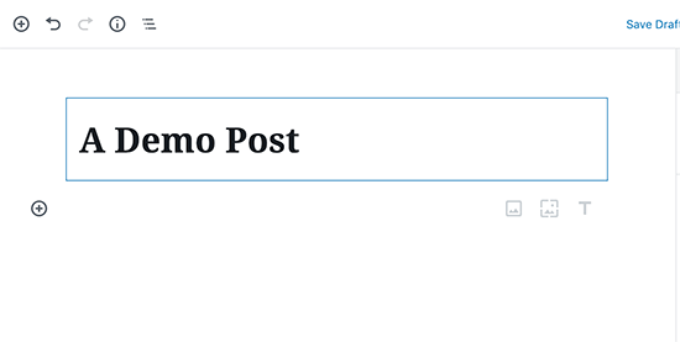
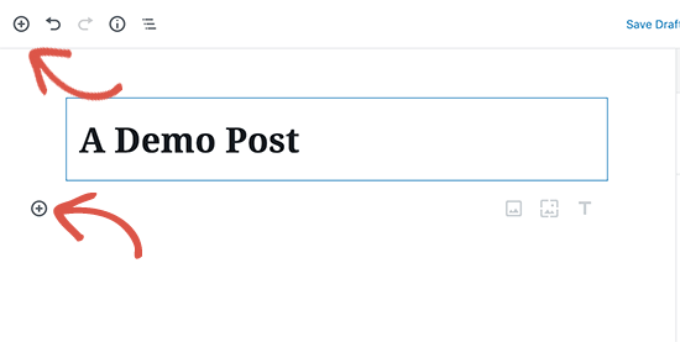
To add content, you need to add a block. There are multiple add block buttons on the screen that you can click to select and add a block.
If you don’t want to use a mouse to click on the button, then you can use a keyboard shortcut by typing / to search and add a block.
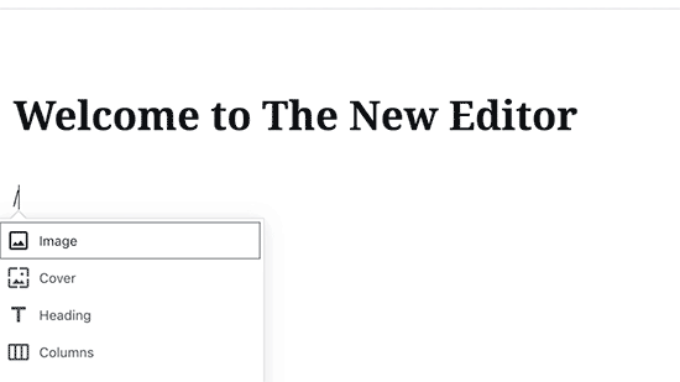
All content elements are wrapped in a block. pen.lumbung.space comes with blocks for all the common content items including paragraphs, columns, images, galleries, embeds, shortcodes, widgets, and more.
Adding Images, Videos, & Other Media
You can add images by simply adding the image block and then upload or select the image you want to add.
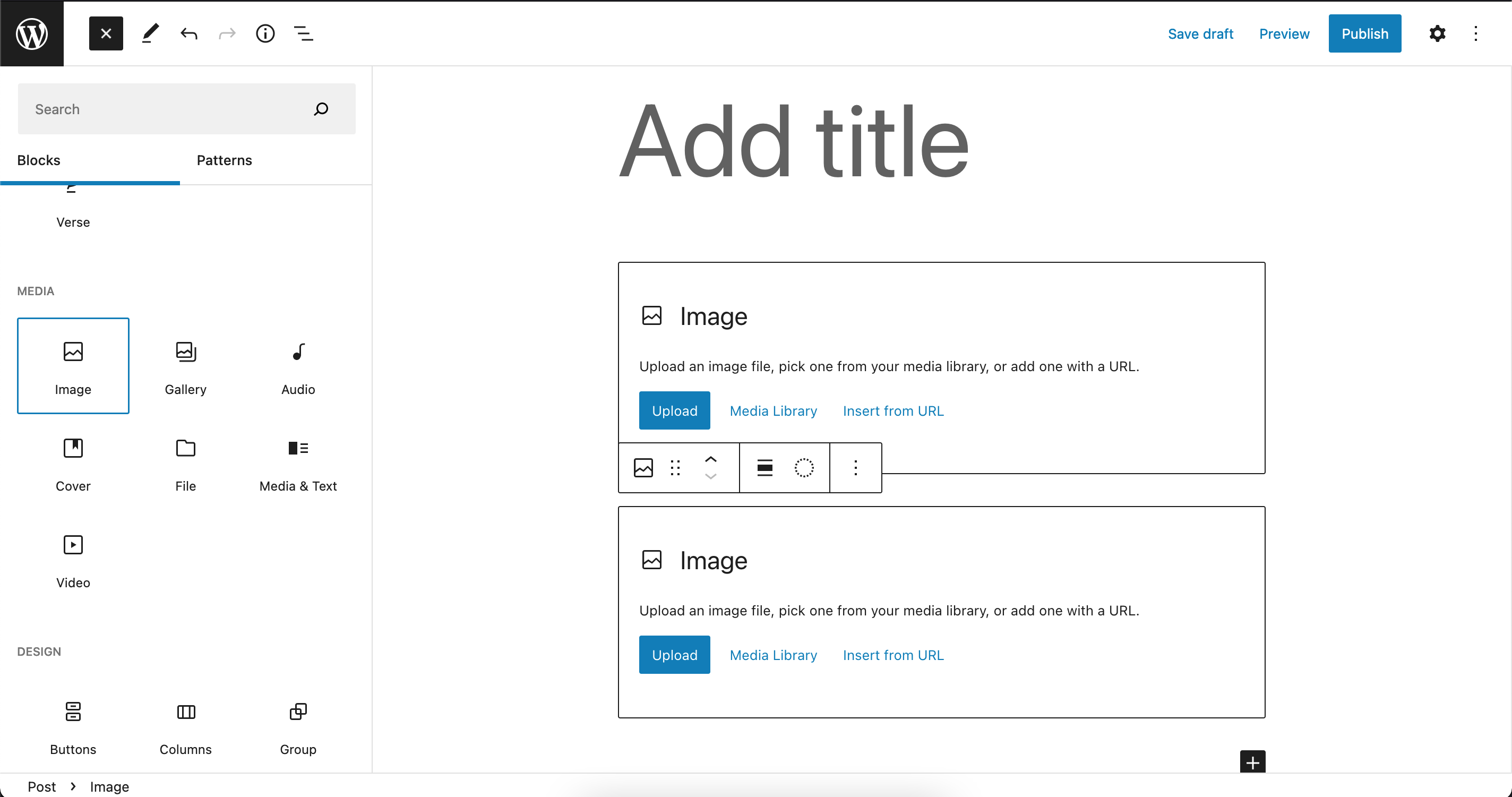
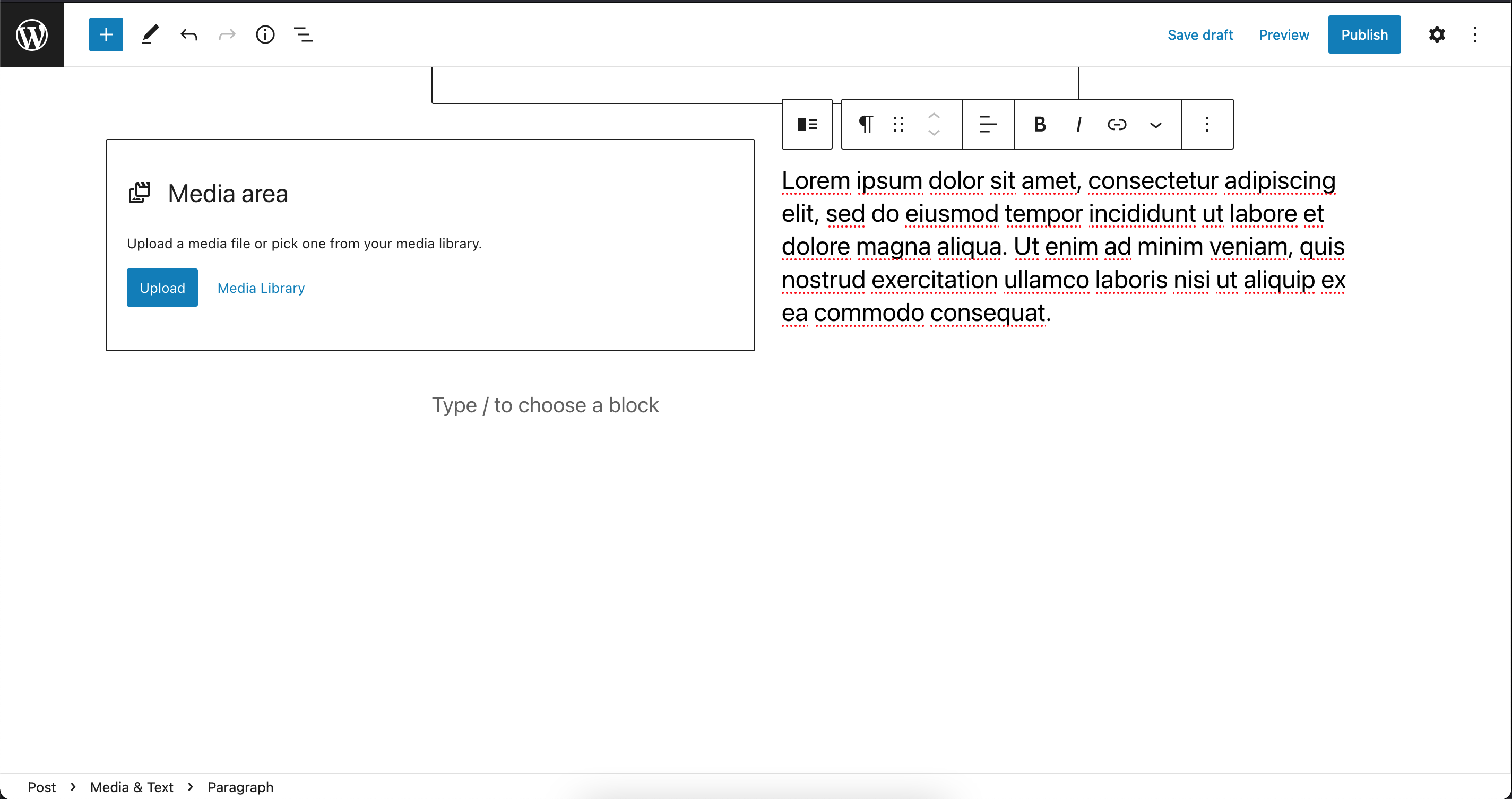
If you want to text and image next to each other, then you can use the ‘Media & Text’ block. This block helps you wrap text around the image in pen.lumbung.space.
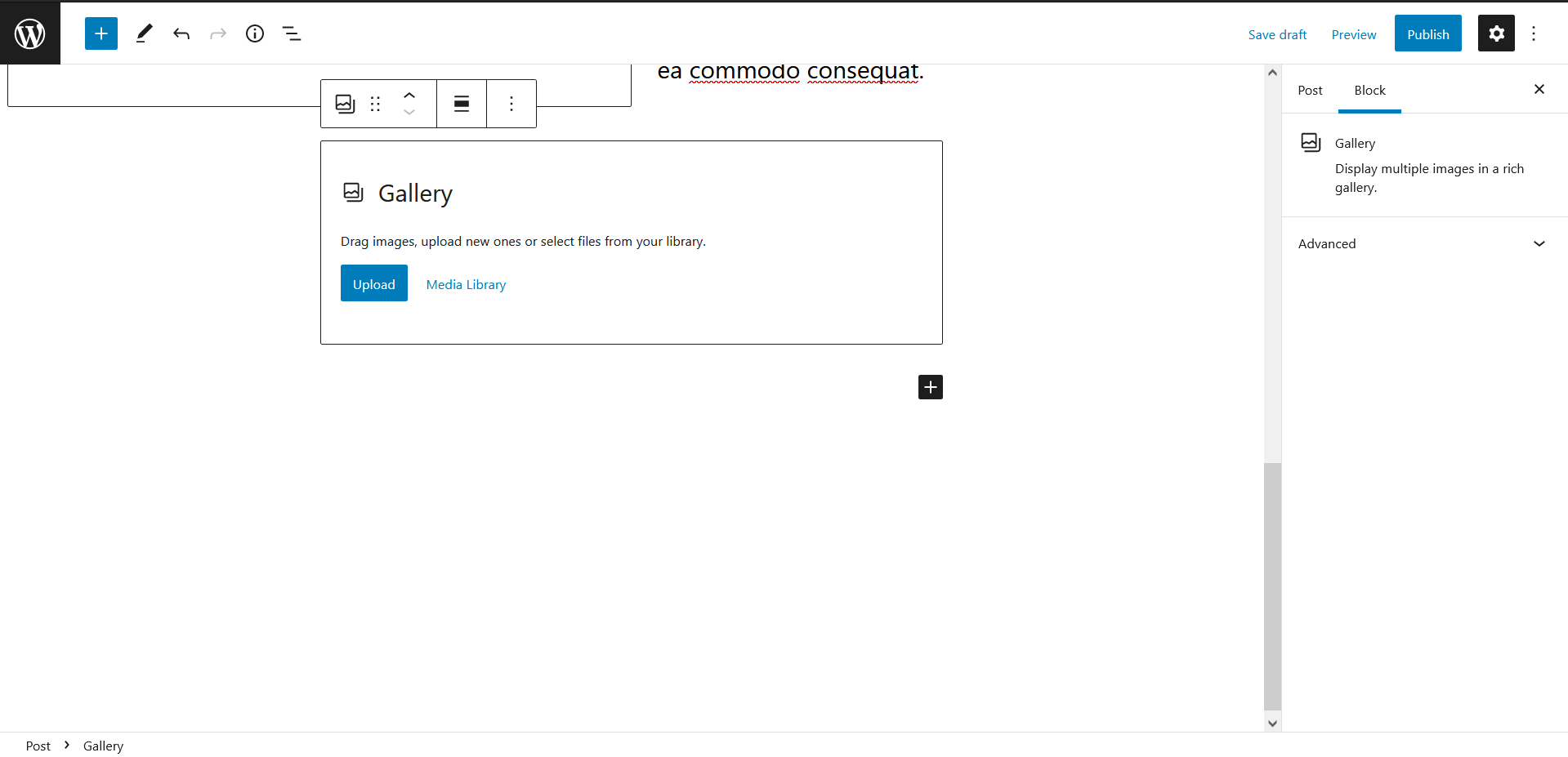
Gallery block that you can use to display images in rows and columns with a grid layout.
Simply add the Gallery block and then upload or select the images from your media library.
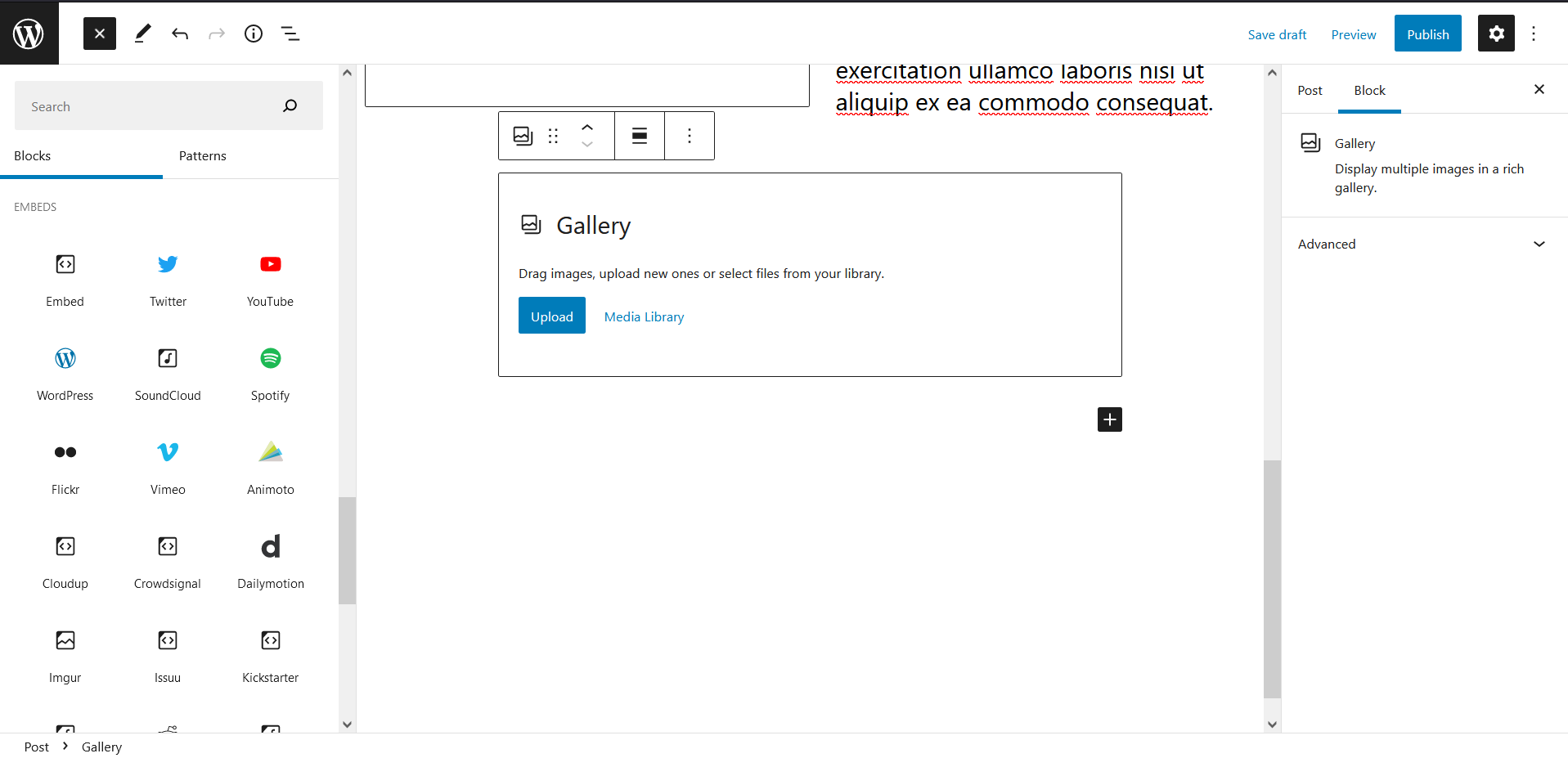
The default editor comes with embed blocks for all popular providers.
You can also just copy and paste the video URL to a paragraph block, and will automatically convert it into a video embed block.
Why You Should Never Upload a Video to pen.lumbung.space
Upload vs. Embed (There is a Difference)
Uploading or hosting a video means that you will upload videos on your site like you would upload images on your site, using the pen.lumbung.space media library.
Embedding a video means that you upload a video on a third party site like YouTube, and then you can easily embed it in your blog posts. We strongly advise folks to embed videos whenever they can.
Easy Sharing
Embedding a video in pen.lumbung.space is easier than uploading it. You can share a video uploaded on YouTube or other video sharing sites by just pasting the URL in your blog posts.
Save on Bandwidth
Uploading videos to your website will cost you bandwidth. Higher quality videos cost more bandwidth.